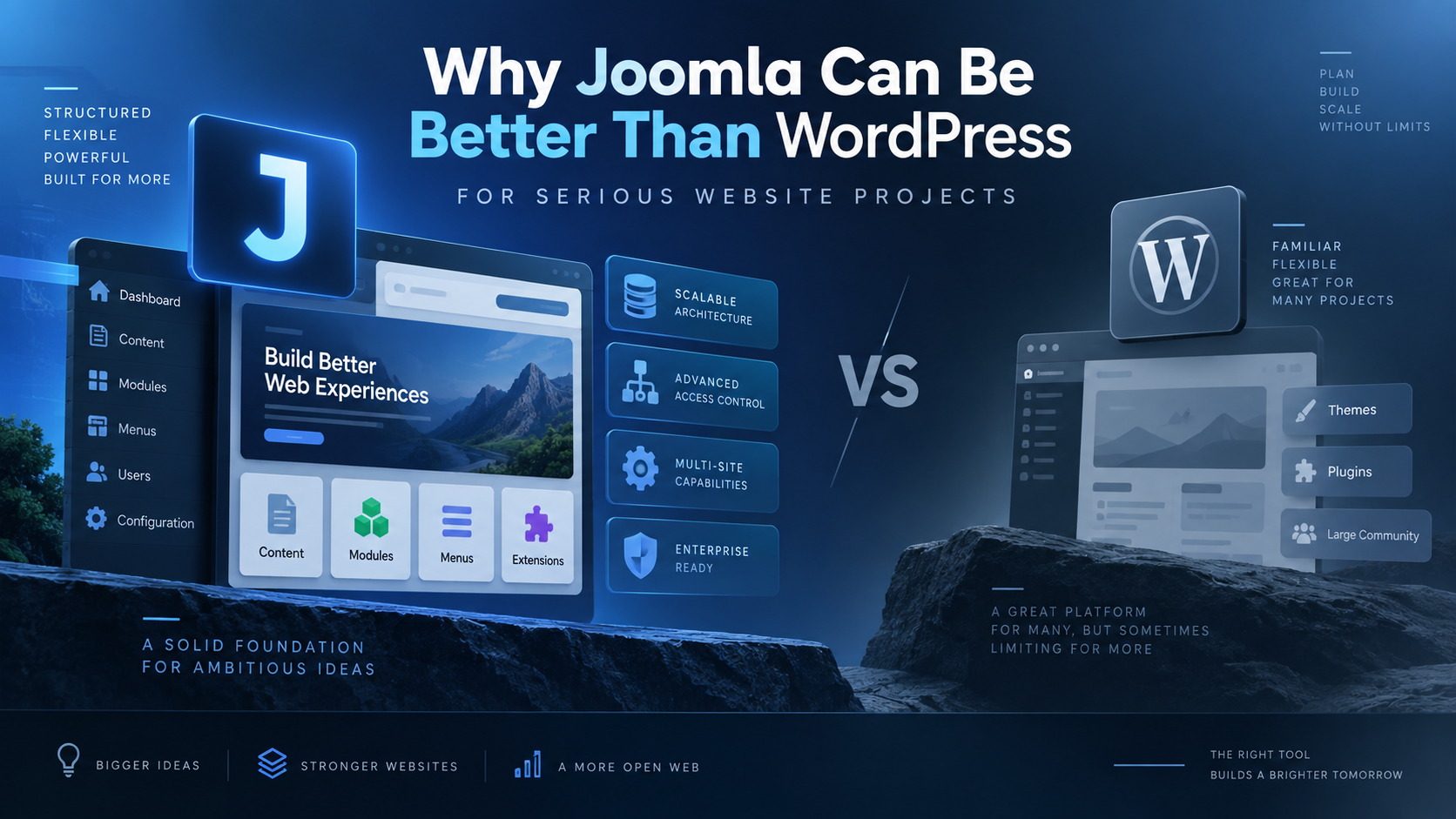
WordPress is the most widely used content management system in the world, and for many websites it is an excellent choice. It is easy to start with, has a huge plugin ecosystem, and is supported by an enormous community.
However, popularity does not automatically make WordPress the best CMS for every project.
For websites that require structured content, advanced permissions, flexible menus, multilingual capabilities, and long-term maintainability, Joomla can be a better choice than WordPress.
This is especially true for developers and site owners who want more functionality from the CMS itself instead of depending heavily on third-party plugins.
Joomla Offers More CMS Functionality Out of the Box
One of the biggest differences between Joomla and WordPress is what each system provides as part of the core CMS.
WordPress started primarily as a blogging platform and has evolved into a general-purpose CMS. Joomla, on the other hand, was designed from the beginning as a more structured content management system.
Joomla includes many advanced features directly in the core installation.
These include:
- Advanced user access control
- Multilingual website support
- Custom fields
- Flexible menu management
- Content categories
- Tags
- Modules
- Template overrides
- Contact management
- Redirect management
- Extensive content display options
In WordPress, similar functionality often requires additional plugins.
Using plugins is not necessarily a problem, but every additional plugin introduces another dependency that must be maintained, updated, secured, and tested.
A Joomla website can often achieve the same result using fewer third-party extensions.
Joomla Has Powerful Access Control
Joomla’s Access Control List, commonly called ACL, is one of its strongest features.
Joomla allows administrators to create custom user groups and control what those groups are allowed to:
- View
- Create
- Edit
- Delete
- Publish
- Configure
- Manage
Permissions can be applied at several levels, including components, categories, and individual content items.
For example, you could create a website where:
- Writers can create articles but cannot publish them.
- Editors can modify articles within a specific category.
- Department managers can manage only their own section of the website.
- Registered users can access private content.
- Administrators have different levels of backend access.
This type of permission structure is built directly into Joomla.
WordPress has roles and capabilities, but complex permission structures often require additional plugins or custom development.
For organizations, intranets, membership websites, and multi-editor environments, Joomla’s ACL can therefore be a significant advantage.
Joomla Has Excellent Menu Management
Joomla’s menu system is another area where the CMS is particularly powerful.
A Joomla menu item is not simply a link.
A menu item can control how a component or content view is displayed.
For example, menu items can display:
- A single article
- A category blog
- A category list
- Tagged content
- Contacts
- Search
- User profiles
- Custom components
Each menu item can also have its own parameters.
This makes Joomla’s menu system closely connected to the structure and presentation of the website.
You can also create multiple independent menus and place them in different module positions.
For larger websites with complex navigation structures, this provides considerable flexibility.
Joomla Makes Structured Content Easier
Modern websites often contain much more than simple titles and article text.
Content may include:
- Dates
- Prices
- Locations
- Downloads
- Product specifications
- Author information
- External links
- Related information
- Images
- Custom metadata
Joomla’s custom fields make it possible to add structured data to articles, users, and contacts.
Instead of placing everything inside the article editor, information can be stored in dedicated fields.
For example, an event article could contain:
- Event title
- Event date
- Location
- Registration URL
- Organizer
- Featured image
- Description
Separating structured data from the main article text makes content easier to maintain and easier to display consistently.
It also makes future redesigns and migrations easier.
Joomla Categories Are Very Flexible
Joomla provides a hierarchical category system that works naturally with its article management.
Categories can be nested into multiple levels.
For example:
Technology
├── Joomla
│   ├── Tutorials
│   ├── Extensions
│   └── Development
├── WordPress
└── Web Design
This makes it possible to create sophisticated information architectures without requiring additional taxonomy plugins.
Combined with menu items, tags, custom fields, and modules, Joomla categories provide a strong foundation for larger content-driven websites.
Joomla Multilingual Support Is Built In
Multilingual websites are an important requirement for many organizations.
Joomla includes multilingual capabilities directly in the core CMS.
Administrators can create:
- Articles in different languages
- Language-specific categories
- Language-specific menus
- Language-specific modules
- Associations between translated content
WordPress can also create excellent multilingual websites, but this commonly requires a third-party plugin.
With Joomla, the underlying multilingual architecture is already available.
For organizations that expect multilingual content to be a central part of the website, this can reduce reliance on external extensions.
Joomla Modules Are Extremely Useful
Joomla modules are small blocks of content or functionality that can be placed around the website.
Typical modules include:
- Menus
- Login forms
- Custom HTML
- Latest articles
- Popular articles
- Breadcrumbs
- Search
- Related content
Modules can be assigned to specific pages using menu-item assignments.
This means a module can appear:
- Everywhere
- Only on the homepage
- Only on blog pages
- Only within a specific section
- Everywhere except selected pages
This provides considerable control over page composition.
WordPress widgets and block-based layouts can provide similar capabilities, but Joomla’s module system has traditionally offered a very clear separation between page content and surrounding site functionality.
Template Overrides Give Developers More Control
One of Joomla’s most useful features for developers is the template override system.
Template overrides allow developers to change the HTML output of Joomla components and modules without modifying the original extension files.
This is important because editing core extension files directly would make updates difficult and potentially overwrite customizations.
With an override, Joomla can use:
template/html/com_content/article/default.php
instead of the original component layout.
This allows developers to customize markup while keeping the core system upgradeable.
Overrides can be used to:
- Change article layouts
- Customize category views
- Modify module output
- Add custom CSS classes
- Improve accessibility
- Integrate frontend frameworks
- Create specialized layouts
This is a powerful development model for maintaining customized Joomla websites.
Joomla Can Reduce Plugin Dependency
One common WordPress workflow is to install plugins whenever new functionality is required.
A typical WordPress website may include separate plugins for:
- SEO
- Caching
- Security
- Redirects
- Custom fields
- Forms
- Access control
- Multilingual content
- Page building
- Image optimization
Many WordPress websites work perfectly well this way.
However, every plugin adds another software dependency.
Dependencies matter because plugins can:
- Become abandoned
- Conflict with each other
- Introduce security vulnerabilities
- Affect performance
- Change functionality after updates
- Become incompatible with newer PHP or WordPress versions
Joomla also has extensions, and Joomla websites can certainly become overloaded with extensions as well.
The difference is that Joomla includes more advanced CMS functionality in its core, which can reduce the number of extensions needed for certain projects.
Joomla Encourages a More Structured Website Architecture
One of Joomla’s greatest strengths is that it encourages administrators to think about the website as a structured information system.
A typical Joomla website may use:
Categories
    ↓
Articles
    ↓
Custom Fields
    ↓
Menu Items
    ↓
Modules
    ↓
Template Layouts
Each layer has a specific responsibility.
This separation can make larger websites easier to understand and maintain.
It can also make content migration easier because information is less dependent on a specific visual editor or page builder.
Joomla Can Be Better for Developers
Developers often appreciate Joomla because many advanced CMS concepts are already built into the platform.
Joomla provides established systems for:
- Components
- Modules
- Plugins
- Templates
- Events
- Routing
- Access control
- Database access
- Web services
- Custom fields
- Layout overrides
- Namespaces
- Dependency injection
Custom extensions can therefore integrate with a well-defined CMS architecture instead of placing all functionality inside a theme or relying on numerous unrelated plugins.
For developers who understand Joomla’s architecture, it can provide a very powerful framework for building custom content-driven applications.
Joomla Is Not Automatically Better for Every Website
It would be misleading to claim that Joomla is always better than WordPress.
WordPress has major advantages.
It has:
- A very large ecosystem
- Thousands of themes
- Thousands of plugins
- Huge amounts of documentation
- Extensive hosting support
- A large developer community
- A relatively easy learning curve for basic websites
For a small blog or simple marketing website, WordPress may be the most practical choice.
For many WooCommerce projects, WordPress is also an obvious candidate because of the size of the WooCommerce ecosystem.
The correct CMS depends on the website’s requirements.
Where Joomla Can Have the Advantage
Joomla becomes particularly attractive when a website requires:
- Complex content structures
- Multiple content categories
- Advanced permissions
- Multiple editors
- Multilingual content
- Flexible menus
- Different modules on different pages
- Structured custom fields
- Custom layouts
- Strong separation between content and presentation
For these types of projects, Joomla often provides much of the required architecture directly in the CMS.
Joomla and Long-Term Maintainability
The most important question when choosing a CMS should not be:
Which platform lets me build the website fastest?
A better question is:
Which platform will make this website easier to manage several years from now?
A website may remain online for five, ten, or even fifteen years.
During that time it will go through:
- PHP upgrades
- Server migrations
- Template redesigns
- Extension upgrades
- Security updates
- Content changes
- SEO changes
- New administrators
- New business requirements
A clean CMS architecture becomes increasingly valuable over time.
Joomla’s structured approach to content, menus, modules, permissions, and templates can make it particularly suitable for websites designed for long-term operation.
Why I Prefer Joomla for Many Projects
The strongest argument for Joomla is not that WordPress is bad.
WordPress is an extremely capable platform.
The advantage of Joomla is that it provides many features expected from a serious content management system directly in its core architecture.
With Joomla, I can often build sophisticated websites using:
- Joomla articles
- Categories
- Custom fields
- Menu items
- Modules
- Template overrides
- ACL
instead of assembling the same functionality from a large collection of plugins.
That usually produces a website architecture that is easier to understand, easier to control, and easier to maintain.
Conclusion
WordPress deserves its position as one of the world’s most successful web platforms.
But market share should not determine which CMS you choose.
For websites where content structure, user permissions, multilingual support, flexible navigation, and long-term maintainability are important, Joomla deserves serious consideration.
WordPress often makes it very easy to start building.
Joomla often gives you more architectural tools once the website becomes complex.
That difference is why, for many professional and content-heavy projects, Joomla can be the better CMS.
Leave a Reply
You must be logged in to post a comment.